
PHP has been a reliable technology for building websites, web applications, and business platforms for many years. Many businesses still depend on PHP-based systems to manage customer information, process transactions, handle internal operations, and support essential workflows.
However, as technology evolves and business requirements become more complex, older PHP applications can become difficult to maintain. Outdated frameworks, security vulnerabilities, slow performance, and compatibility issues may eventually affect business operations.
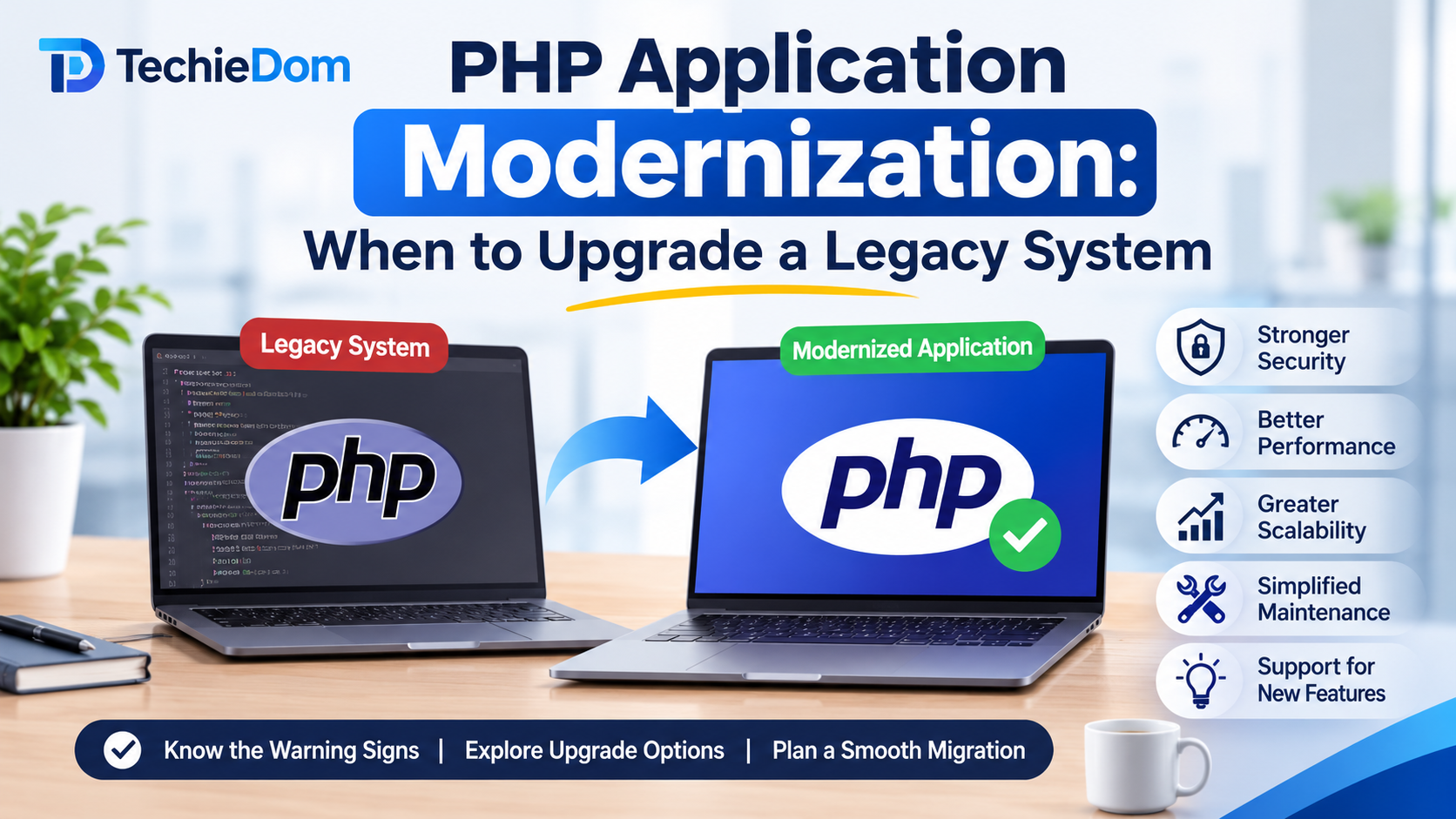
This is where PHP application modernization becomes important. Rather than replacing an entire application without a clear reason, businesses can modernize their existing PHP systems to improve performance, security, scalability, and maintainability.
But how do you know when your legacy PHP application needs an upgrade? Let’s explore the warning signs, modernization approaches, and important factors businesses should consider.
PHP application modernization is the process of improving an existing PHP application to make it more secure, efficient, scalable, and compatible with modern technologies.
It does not always mean rebuilding the application from scratch. Depending on the system’s condition and business requirements, modernization may involve upgrading the PHP version, migrating to a modern framework, restructuring existing code, improving database performance, or integrating APIs.
For example, a business running an application built with an older PHP version may upgrade to a supported PHP release, migrate to Laravel, introduce automated testing, and improve its infrastructure without completely changing the application’s core functionality.
The primary objective is to extend the application’s useful life while making it capable of supporting future business needs.
Not every older application requires an immediate rebuild. However, certain technical and operational issues indicate that modernization should be considered.
One of the most important reasons to modernize a PHP application is an outdated runtime.
Older PHP versions eventually reach their end of support and stop receiving security updates. Continuing to operate applications on unsupported versions can expose businesses to security risks and compatibility problems.
Upgrading to a currently supported PHP version helps improve security, performance, and compatibility with modern libraries and frameworks.
Before upgrading, developers should review deprecated functions, third-party dependencies, and existing code to identify potential compatibility issues.
Security should be a priority for applications that store customer information, process payments, or manage confidential business data.
Legacy PHP applications may contain outdated dependencies, insecure authentication mechanisms, weak input validation, or insufficient access controls.
Common security concerns include:
Modernization provides an opportunity to strengthen application security through updated dependencies, secure coding practices, improved authentication, and regular vulnerability assessments.
Slow page loading, delayed API responses, and inefficient database queries can negatively affect user experience.
Older applications may have accumulated unnecessary code, poorly optimized database queries, outdated caching mechanisms, or inefficient background processes.
These issues can become more noticeable as website traffic and business data increase.
Performance-focused modernization may include:
These improvements can make the application more responsive without requiring a complete rebuild.
Modern businesses rely on multiple digital platforms, including CRM systems, payment gateways, marketing automation tools, analytics platforms, and cloud services.
Legacy PHP applications may not support modern integration requirements or may rely on outdated APIs and custom connections.
Modernizing the application architecture and introducing properly documented REST APIs can make it easier to connect with third-party platforms.
This allows businesses to streamline workflows, reduce manual work, and improve data exchange between systems.
If developers spend more time fixing existing issues than introducing new features, the application may have accumulated technical debt.
Poorly structured code, outdated frameworks, limited documentation, and tightly connected components can make even small changes complicated.
As a result, maintenance becomes expensive and development timelines increase.
Modernization can address these problems through code refactoring, modular architecture, automated testing, and improved documentation.
An application that worked well when a business had a small customer base may struggle when traffic, transactions, and data volumes increase.
Some legacy applications were not designed to support higher workloads or distributed infrastructure.
Businesses may experience:
Modernizing the application architecture can help improve scalability and prepare the system for increasing workloads.
Business requirements change over time. Companies may need new dashboards, customer portals, reporting features, payment options, or automation capabilities.
If introducing a new feature requires changing multiple unrelated parts of the application, the existing architecture may be limiting development.
Modernizing the codebase and separating application components can make future development more predictable and efficient.
There is no single modernization strategy suitable for every business. The right approach depends on the application’s complexity, technical condition, budget, and long-term goals.
Here are some common approaches.
This is often the starting point for applications running on unsupported PHP versions.
The process involves upgrading the runtime, reviewing deprecated functions, testing dependencies, and resolving compatibility issues.
A PHP version upgrade can improve security and performance while allowing businesses to retain their existing application structure.
Applications built using outdated or unsupported frameworks may benefit from migrating to a modern PHP framework such as Laravel.
Laravel provides features for routing, authentication, database management, validation, caching, and application testing.
Framework migration can improve code organization and simplify future development.
However, it requires careful planning, especially when the existing application contains complex business logic.
Code refactoring improves the internal structure of an application without changing its expected functionality.
It may involve removing duplicate code, simplifying complex functions, improving naming conventions, and separating responsibilities between different application components.
This approach is useful when the existing application works correctly but has become difficult to maintain.
Legacy applications may depend on inefficient database structures or outdated query patterns.
Database modernization can include:
The goal is to improve reliability, data management, and application performance.
Businesses planning to connect multiple platforms may benefit from introducing API-based architecture.
REST APIs allow different applications and services to communicate through standardized endpoints.
This approach can support mobile applications, customer portals, external integrations, and third-party services.
It also makes it easier to develop new functionality without tightly coupling every component to the existing application.
Modernization is not limited to application code. Hosting infrastructure also plays an important role.
Businesses can evaluate cloud hosting, automated deployment, monitoring, backup strategies, and containerization where appropriate.
These improvements can help make application deployment more reliable and infrastructure management more flexible.
One of the biggest decisions businesses face is whether to modernize their existing application or rebuild it from scratch.
Both approaches have advantages, and the right choice depends on the condition of the current system.
| Factor | PHP Modernization | Complete Rebuild |
|---|---|---|
| Existing code | Retains and improves usable code | Replaces most or all existing code |
| Initial investment | Often lower, depending on scope | Usually higher |
| Development time | Can be incremental | Often requires a longer development cycle |
| Business continuity | Existing functionality can often remain operational | Requires careful migration and transition planning |
| Technical flexibility | Depends on existing architecture | Greater freedom to choose a new architecture |
| Business logic | Preserves validated workflows | Requires business logic to be recreated or migrated |
When should you modernize?
Choose modernization when the existing application still supports important business processes, its core architecture is usable, and technical issues can be addressed incrementally.
When should you consider a rebuild?
A complete rebuild may be more appropriate when the application has severe architectural limitations, unsupported dependencies, extensive security problems, or business requirements that cannot reasonably be supported by the existing system.
A technical assessment should guide this decision rather than relying only on the application’s age.
A structured approach helps businesses reduce migration risks and avoid unnecessary development costs.
Start by reviewing the existing application, including its PHP version, framework, database, third-party dependencies, hosting environment, and code quality.
Identify security vulnerabilities, performance bottlenecks, compatibility issues, and outdated components.
This assessment provides a clear picture of the application’s current condition.
Identify what the business expects from modernization.
Possible objectives include improving application speed, strengthening security, reducing maintenance costs, supporting higher traffic, or introducing new integrations.
Prioritize improvements according to business impact and technical urgency.
Based on the assessment, decide whether the application requires a PHP version upgrade, framework migration, code refactoring, infrastructure improvements, or a combination of approaches.
Avoid making unnecessary architectural changes when smaller improvements can solve the existing problems.
Prepare a detailed implementation roadmap covering development tasks, dependencies, timelines, testing requirements, and potential risks.
For complex systems, consider an incremental migration instead of changing everything simultaneously.
This approach allows teams to validate individual components before moving to the next stage.
Avoid making major modernization changes directly in the production environment.
Use a staging environment to test updated PHP versions, new dependencies, database changes, and application functionality.
This helps identify problems before they affect customers or business operations.
Testing is essential throughout the modernization process.
Consider the following testing activities:
Automated tests can also help developers identify regressions when modifying existing functionality.
Once testing is complete, deploy the updated application using a controlled release process.
Monitor application performance, server resources, error logs, database activity, and security alerts after deployment.
Maintain reliable backups and a rollback plan to reduce the impact of unexpected issues.
Although modernization offers several benefits, the process can introduce technical and operational challenges.
Understanding these challenges early helps businesses prepare more effectively.
Legacy code complexity: Older applications may contain undocumented business rules and tightly connected components. Developers should review critical workflows before modifying the codebase.
Third-party dependency compatibility: Some libraries and packages may not support newer PHP versions. Dependencies should be evaluated and updated or replaced where necessary.
Data migration risks: Moving databases or restructuring data can lead to inconsistencies if migration scripts are not properly tested.
Business disruption: Major application changes can affect daily operations. Incremental modernization, staging environments, backups, and planned deployments help minimize disruption.
Budget and timeline uncertainty: Unexpected issues may appear during modernization. A detailed technical assessment and phased roadmap can improve project estimates.
Choosing an experienced development partner can make a significant difference in the success of a modernization project.
Before selecting a PHP development company, consider the following factors:
Working with the right development team helps businesses make informed technical decisions while keeping modernization aligned with their operational goals.
Legacy PHP applications do not necessarily need to be replaced simply because they are old. However, outdated PHP versions, security vulnerabilities, poor performance, increasing maintenance costs, and limited scalability can indicate that modernization is becoming necessary.
A well-planned PHP application modernization strategy helps businesses improve existing systems, reduce technical debt, and prepare their applications for future requirements.
Whether your business needs a PHP version upgrade, Laravel migration, code refactoring, API integration, or infrastructure improvements, start with a detailed assessment of your current application.
Looking to modernize your legacy PHP application? TechieDom helps businesses with custom web development, PHP development, application improvements, and modern software solutions. Contact our team to discuss your application requirements and explore the right modernization approach for your business.
PHP application modernization is the process of upgrading an existing PHP application to improve its security, performance, scalability, maintainability, and compatibility with modern technologies.
A business should consider upgrading when its application uses unsupported PHP versions, experiences security issues, performs poorly, becomes difficult to maintain, or cannot support new business requirements.
It depends on the existing application’s architecture, technical condition, and business requirements. Modernization is suitable when the existing system can be improved, while a complete rebuild may be necessary when fundamental architectural limitations prevent further development.
Yes. An older PHP application can be migrated to Laravel, but the process depends on its existing codebase, database structure, business logic, and integrations. A phased migration can help reduce disruption.
The timeline depends on application complexity, code quality, migration scope, and testing requirements. Smaller upgrades may take a few weeks, while complex enterprise application modernization projects can take several months.
Yes. Modernization can improve security by upgrading unsupported PHP versions, updating vulnerable dependencies, strengthening authentication, improving input validation, and implementing secure coding practices.
The major benefits include improved application performance, stronger security, easier maintenance, better scalability, improved compatibility, and the ability to support new business features and integrations.