

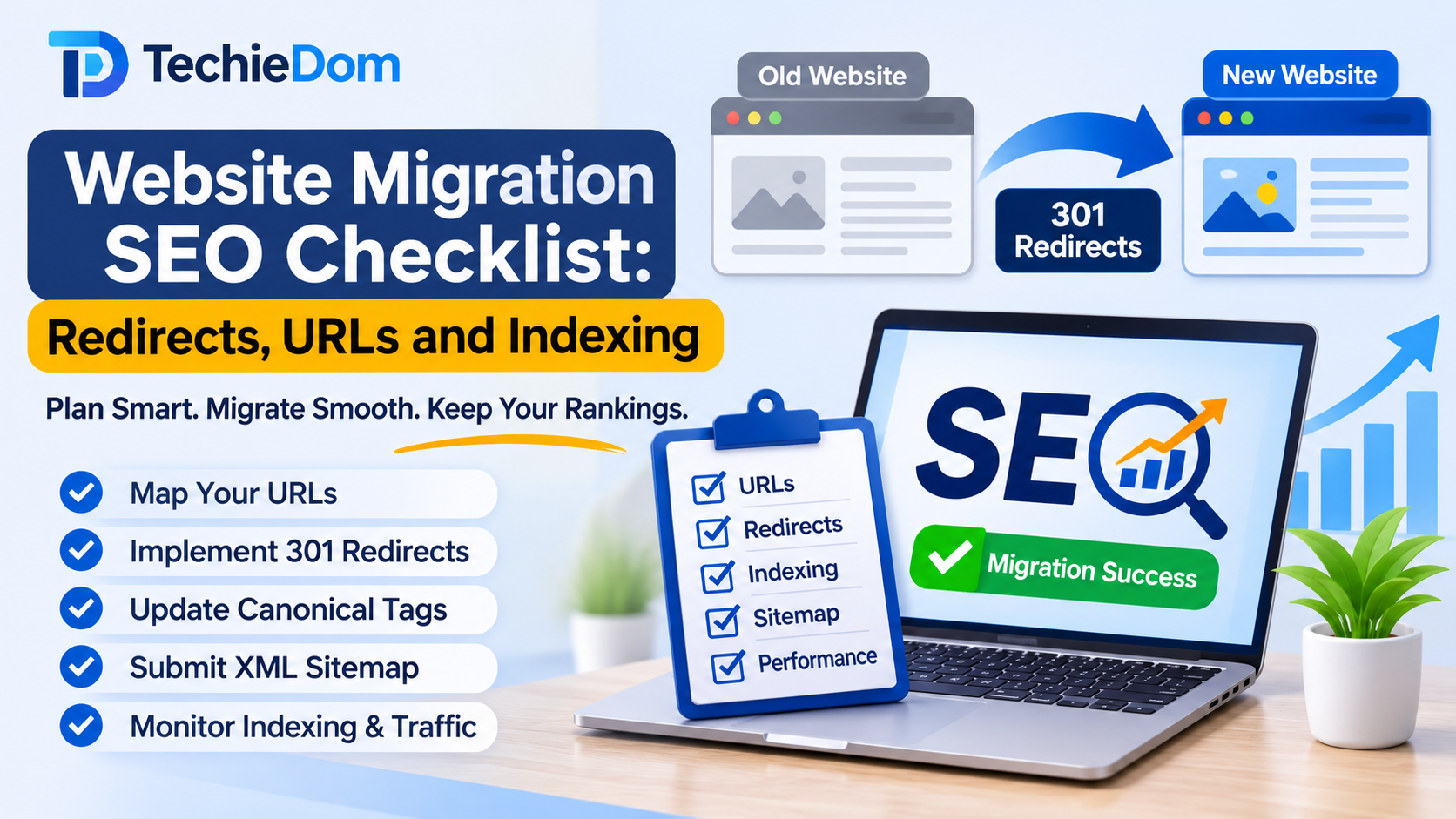
Website migration is an important step for businesses looking to redesign their websites, change platforms, update domain names, or improve website infrastructure. While migration can improve website performance, user experience, and functionality, it can also create significant SEO challenges if not handled correctly.
A poorly planned website migration can result in lost organic traffic, broken backlinks, indexing problems, ranking fluctuations, and reduced search visibility.
Search engines need to understand how the old website relates to the new one. If important URLs change without proper redirects, or if search engines cannot access the updated pages, businesses may experience unnecessary SEO losses.
This is why having a structured website migration SEO checklist is essential before making any major website changes.
In this guide, we will cover the most important SEO considerations, including URL mapping, 301 redirects, canonical tags, XML sitemaps, indexing, and post-migration monitoring.
Website migration refers to significant changes made to a website’s structure, platform, domain, URLs, or hosting environment that can affect how search engines crawl, index, and rank its pages.
Common types of website migration include:
Not every migration involves changing URLs. However, any significant technical change should be evaluated for its potential SEO impact.
Website migration can affect several important SEO signals.
Search engines rely on URLs, internal links, canonical tags, redirects, content, and other technical signals to understand website pages.
When these elements change without proper planning, search engines may struggle to identify the correct destination for previously indexed content.
A properly managed migration helps businesses:
The objective is not simply to launch a new website. It is to ensure that search engines and visitors can continue accessing the right content.
Preparation is one of the most important stages of a successful website migration.
Before making any changes, create a complete record of the existing website’s SEO performance and structure.
Start by crawling the existing website using tools such as Screaming Frog SEO Spider or similar website crawling software.
The crawl should help identify:
Save the crawl data so it can be compared with the new website after migration.
This information provides a reference for identifying missing pages and technical issues.
Before migration, review the website’s current organic search performance.
Use Google Search Console and Google Analytics 4 to collect relevant data.
Important metrics include:
Pay special attention to pages generating valuable organic traffic and business leads.
These pages should receive priority during migration planning.
URL mapping is one of the most important tasks in website migration SEO.
When URLs change, every important old URL should be mapped to its most relevant new destination.
For example:
| Old URL | New URL | Redirect Type |
|---|---|---|
| /web-design-services.php | /web-design-services/ | 301 |
| /about-us.php | /about/ | 301 |
| /seo-services.php | /seo-services/ | 301 |
| /contact-us.php | /contact/ | 301 |
| /blog/website-design-tips.html | /blog/website-design-tips/ | 301 |
The mapping process should follow these guidelines:
A well-prepared mapping sheet makes redirect implementation easier and reduces the risk of losing valuable pages.
Before launching the new website, review its URL structure.
A clean and logical URL structure helps users and search engines understand website content.
Consider the following best practices:
For example:
Old URL:example.com/services.php?id=25
Improved URL:example.com/services/web-development/
However, do not change URLs unnecessarily. If an existing URL performs well and does not need restructuring, retaining it can reduce migration complexity.
Before starting migration, create a complete backup of the existing website.
This should include:
A backup helps developers recover the original website if unexpected technical issues occur during migration.
Check the robots.txt file and indexing configuration of the new website before launch.
During development, websites are sometimes protected using:
These settings are useful for preventing premature indexing of development environments.
However, they must be reviewed before production launch.
Make sure the live website does not accidentally block important pages from search engine crawling or indexing.
Once the preparation stage is complete, the next step is implementing the migration correctly.
A 301 redirect tells browsers and search engines that a page has permanently moved to a new URL.
When URLs change during migration, implement relevant redirects from old URLs to their new destinations.
For example:
Redirect 301 /old-service.php https://www.example.com/new-service/For Apache servers, redirect rules can also be implemented through rewrite configurations where necessary.
Important redirect practices include:
Avoid redirecting every old URL to the homepage. Search engines and users should be directed to relevant replacement content whenever possible.
Internal links should point directly to the new URLs rather than relying on redirects.
Review:
For example, if a service page changes from /seo-services.php to /seo-services/, update all internal references accordingly.
This reduces unnecessary redirects and helps search engines discover the new website structure.
Canonical tags indicate the preferred version of a webpage when multiple URLs contain duplicate or similar content.
During migration, review canonical tags to ensure they reference the correct live URLs.
For example:
<link rel="canonical" href="https://www.example.com/services/web-development/" />Check that:
Incorrect canonical tags can create confusion about which pages search engines should prioritize.
The XML sitemap should contain the important, indexable URLs of the new website.
Before launch, verify that:
Submit the updated XML sitemap through Google Search Console after launch.
A clean sitemap helps search engines discover the new website’s important pages.
If the existing website uses structured data, make sure it is correctly implemented on the new website.
Review relevant schema types such as:
Update URLs, organization details, logo references, and other properties where necessary.
Use Google’s Rich Results Test and Schema.org Validator to check structured data implementation.
Website migration is also a good opportunity to review on-page SEO elements.
However, avoid changing every title, heading, and content section simultaneously without a clear reason.
Preserve important SEO elements from high-performing pages wherever possible.
Review:
Make sure the new website maintains the search intent and topical relevance of important existing pages.
A successful migration should maintain or improve the website’s user experience.
Check the new website on different screen sizes and devices.
Important performance considerations include:
Use Google PageSpeed Insights and Chrome Lighthouse to identify performance issues.
Launching the new website does not complete the SEO migration process.
Post-launch monitoring is essential to identify issues before they cause significant organic search losses.
After the website goes live, test the redirect mapping sheet.
Check whether old URLs correctly redirect to their intended destinations.
You can use crawling tools or HTTP status checkers to verify:
Make sure important old URLs return the expected 301 status and the final destination returns a successful response.
Add and verify the new domain or relevant website property in Google Search Console.
For domain migrations, the Change of Address tool may be available when moving between eligible domains.
After launch:
For domain changes, retain access to the old domain’s Search Console property and monitor it as well.
Check whether important new pages are being discovered and indexed correctly.
Use Google Search Console’s URL Inspection tool to investigate individual URLs.
Pay attention to:
Not every excluded URL indicates a problem. Focus on important pages that should be indexed.
Compare the new website’s performance with its pre-migration baseline.
Monitor:
Use Google Search Console, Google Analytics 4, and your preferred rank-tracking platform.
Some ranking fluctuations can occur after migration. However, sustained traffic losses should trigger a technical investigation.
Backlinks from other websites can continue pointing to old URLs after migration.
Proper redirects help users and search engines reach the corresponding new pages.
Review important backlinks and identify links pointing to:
Where practical, contact important referring websites and request that they update their links to the new URLs.
Do not remove old redirects immediately after migration.
Maintain redirects for as long as users and search engines may rely on the old URLs.
For domain migrations, keep the old domain registered and accessible for the foreseeable future.
Also ensure that old URLs do not become unavailable due to expired domains or removed redirect configurations.
Even with a detailed migration plan, certain mistakes can negatively affect organic search performance.
| Common Mistake | Potential SEO Impact | Recommended Solution |
|---|---|---|
| Missing 301 redirects | Broken pages and lost access to old URLs | Implement complete URL mapping |
| Redirecting all pages to the homepage | Poor relevance and confusing user experience | Use page-specific redirects |
| Incorrect canonical tags | Conflicting canonical signals | Update canonical URLs |
| Blocking the live website in robots.txt | Search engines may be unable to crawl pages | Review robots.txt before launch |
| Forgetting XML sitemap updates | Old or incorrect URLs remain in the sitemap | Submit a clean, updated sitemap |
| Losing important content | Reduced topical relevance | Preserve valuable content |
| Ignoring mobile performance | Poor user experience | Test mobile responsiveness |
| Removing old redirects too early | Broken links and lost referral traffic | Maintain redirects |
| Not monitoring Search Console | Technical problems may go unnoticed | Perform regular post-launch checks |
Use this checklist to organize your migration activities.
Before Migration
During Migration
After Migration
Website migration requires coordination between developers, SEO specialists, and quality assurance teams.
A technically successful website launch does not automatically guarantee SEO continuity. Every important URL, redirect, canonical tag, sitemap, and indexing setting needs to be reviewed.
At TechieDom, we understand the importance of combining technical development with SEO best practices.
Our website development and technical SEO services can help businesses plan website migrations, improve URL structures, implement redirect strategies, and review technical SEO elements.
Whether you are migrating to a new CMS, redesigning your website, changing domains, or restructuring an existing application, a well-planned migration can help protect your search visibility while supporting future growth.
Planning a website migration? Contact TechieDom to discuss your website requirements and build a migration strategy that considers both technical performance and SEO.
A website migration SEO checklist is a set of technical and SEO tasks that help businesses protect organic search visibility when changing their domain, platform, URL structure, or website infrastructure.
301 redirects permanently direct visitors and search engines from old URLs to their corresponding new URLs. They help preserve access to existing content and consolidate relevant SEO signals.
There is no fixed timeframe. Indexing depends on website size, crawlability, server performance, URL changes, and Google’s crawling processes. Some pages may be processed quickly, while others can take longer.
Not necessarily. If existing URLs are performing well and do not need restructuring, retaining them can reduce migration risks. Change URLs only when there is a clear technical or business reason.
Website migration can cause temporary ranking fluctuations, particularly when URLs, content, internal links, or technical configurations change. Proper planning and implementation can reduce the risk of significant ranking losses.
Keep the old domain registered and maintain relevant redirects to the new domain. For domain migrations, Google recommends retaining redirects for at least one year, and keeping them longer can help users and search engines that continue using old URLs.
Monitor Google Search Console, Google Analytics 4, indexing reports, redirect responses, keyword rankings, and organic landing page traffic. Compare these metrics with the pre-migration baseline to identify potential issues.