
Online payments have become an essential part of modern business operations. Whether a company operates an eCommerce store, subscription platform, booking website, or custom web application, providing customers with a secure and convenient payment experience is critical.
A payment gateway allows businesses to accept digital payments through different methods, including credit cards, debit cards, digital wallets, and online banking.
However, integrating a payment gateway involves more than adding a payment button to a website. Businesses and developers must consider security, transaction processing, payment failures, refunds, API integration, compliance, and user experience.
A poorly implemented payment system can lead to failed transactions, abandoned purchases, security vulnerabilities, and customer dissatisfaction.
In this guide, we will explore everything businesses and developers should consider before implementing payment gateway integration, along with a practical checklist to follow before launching.
Before selecting a payment gateway, identify how your business plans to accept and process payments.
Different business models have different payment requirements.
For example:
Start by identifying your payment requirements.
Consider the following questions:
Having clear answers makes it easier to select a payment gateway that supports your business model.
Selecting the right payment gateway is one of the most important decisions during payment integration.
Different providers offer different transaction fees, supported payment methods, currencies, API capabilities, and security features.
Some commonly used payment gateway providers include:
<escape> </escape><Link url=”https://stripe.com/” title=”Stripe”/> provides payment processing solutions for online businesses, SaaS platforms, and marketplaces. It offers APIs, subscription billing, and support for multiple payment methods and currencies.
<Link url=”https://www.paypal.com/” title=”PayPal”/> allows businesses to accept online payments through PayPal accounts and supported card payment options.
<Link url=”https://razorpay.com/” title=”Razorpay”/> provides payment gateway services for businesses operating in India, including cards, UPI, net banking, and other supported payment methods.
<Link url=”https://squareup.com/” title=”Square”/> offers payment processing solutions for online and in-person transactions, particularly for businesses operating in supported markets.
<Link url=”https://www.authorize.net/” title=”Authorize.Net”/> provides payment gateway services with features for online payments, recurring billing, and transaction management.
When comparing providers, evaluate:
The best payment gateway is the one that matches your business requirements rather than simply the most popular option.
From a developer’s perspective, API documentation plays an important role in determining how easily a payment gateway can be integrated.
Before starting development, review the provider’s documentation carefully.
Important areas to understand include:
Most payment gateways provide REST APIs and software development kits (SDKs) to simplify integration.
For example, a Laravel application may communicate with a payment gateway through backend API requests or an official SDK.
Developers should avoid exposing secret API keys or sensitive credentials in frontend JavaScript or publicly accessible code.
Security should be a priority throughout the payment integration process.
Payment systems handle sensitive transaction information, and improper implementation can expose businesses and customers to financial and data security risks.
Important security considerations include:
HTTPS Encryption: Ensure that all payment-related communication takes place over secure HTTPS connections.
Secure API Keys: Store secret credentials in environment variables or a secure secrets management system.
Tokenization: Use payment provider tokenization features to avoid directly handling or storing sensitive card information.
Authentication: Implement appropriate authentication and authorization for payment-related operations.
Input Validation: Validate payment amounts, currency values, and customer information on the server side.
PCI DSS Compliance: Understand the applicable Payment Card Industry Data Security Standard requirements and the responsibilities associated with your integration model.
Fraud Prevention: Use supported fraud detection tools, transaction monitoring, and additional verification where appropriate.
Businesses should follow the payment provider’s security recommendations and applicable regulatory requirements.
Even when a payment gateway is technically secure, a complicated checkout experience can negatively affect conversions.
Customers should be able to complete purchases without unnecessary steps.
Important checkout considerations include:
For example, an eCommerce customer should be able to review the product, shipping charges, taxes, and final payment amount before completing the transaction.
If the payment fails, the website should explain what happened and provide an appropriate way to retry.
Payment processing does not always follow a simple success-or-failure path.
Transactions may fail because of insufficient funds, incorrect card information, authentication issues, network problems, or payment provider errors.
Some transactions may also remain pending while the payment provider processes the request.
Developers should design the application to handle different transaction states.
Common payment statuses include:
The application should update order status according to verified payment events.
Importantly, developers should not rely only on the customer’s browser redirect to determine whether a payment succeeded. The backend should verify the transaction using the payment provider’s API or authenticated webhook events.
This helps prevent incorrect order confirmations and payment inconsistencies.
Webhooks allow payment gateways to send notifications to your application when important transaction events occur.
For example, a payment provider may send webhook notifications when:
Webhooks are particularly useful when a customer closes the browser before returning to the website after payment.
Developers should implement the following webhook practices:
Webhook processing should be idempotent, meaning that receiving the same event multiple times should not accidentally create duplicate orders or process the same payment twice.
Customers have different payment preferences depending on their location and purchasing habits.
Offering relevant payment options can make the checkout experience more convenient.
Depending on your target market, consider supporting:
For businesses serving international customers, multi-currency support is another important consideration.
The application should handle currency codes, supported payment currencies, transaction amounts, and currency-specific formatting correctly.
For example, a business targeting customers in the United States, Canada, and India may need to support USD, CAD, and INR transactions.
Always verify which payment methods and currencies are supported by your selected provider and business account.
Payment integration should not stop after successful transactions.
Businesses also need a reliable process for handling refunds, cancellations, and transaction reconciliation.
Useful refund management features include:
Payment reconciliation is equally important.
It helps businesses compare internal order records with payment gateway transaction records and settlement reports.
A proper reconciliation process can identify:
These features are especially valuable for businesses processing large transaction volumes.
Testing is one of the most important stages of payment gateway development.
A payment integration may work correctly during a basic successful transaction but fail under different conditions.
Developers should use the payment provider’s sandbox environment to test different scenarios before enabling live payments.
Important test cases include:
Also test whether orders are created only when appropriate payment conditions are met.
Once sandbox testing is complete, perform controlled live-mode verification according to the payment provider’s guidelines.
After launch, businesses should continuously monitor payment activity.
Transaction monitoring helps identify technical issues and unusual payment patterns before they affect a large number of customers.
A payment management dashboard should ideally display:
Developers should also maintain useful application logs for debugging and operational monitoring.
However, logs must not expose sensitive payment credentials, full card numbers, or other prohibited payment information.
As your business grows, payment transaction volumes may increase significantly.
Your payment integration should be designed to handle increased traffic without affecting checkout performance.
Consider the following development practices:
For example, sending an order confirmation email or updating analytics records can often be handled through background jobs rather than delaying the payment response.
This helps maintain a smoother customer experience.
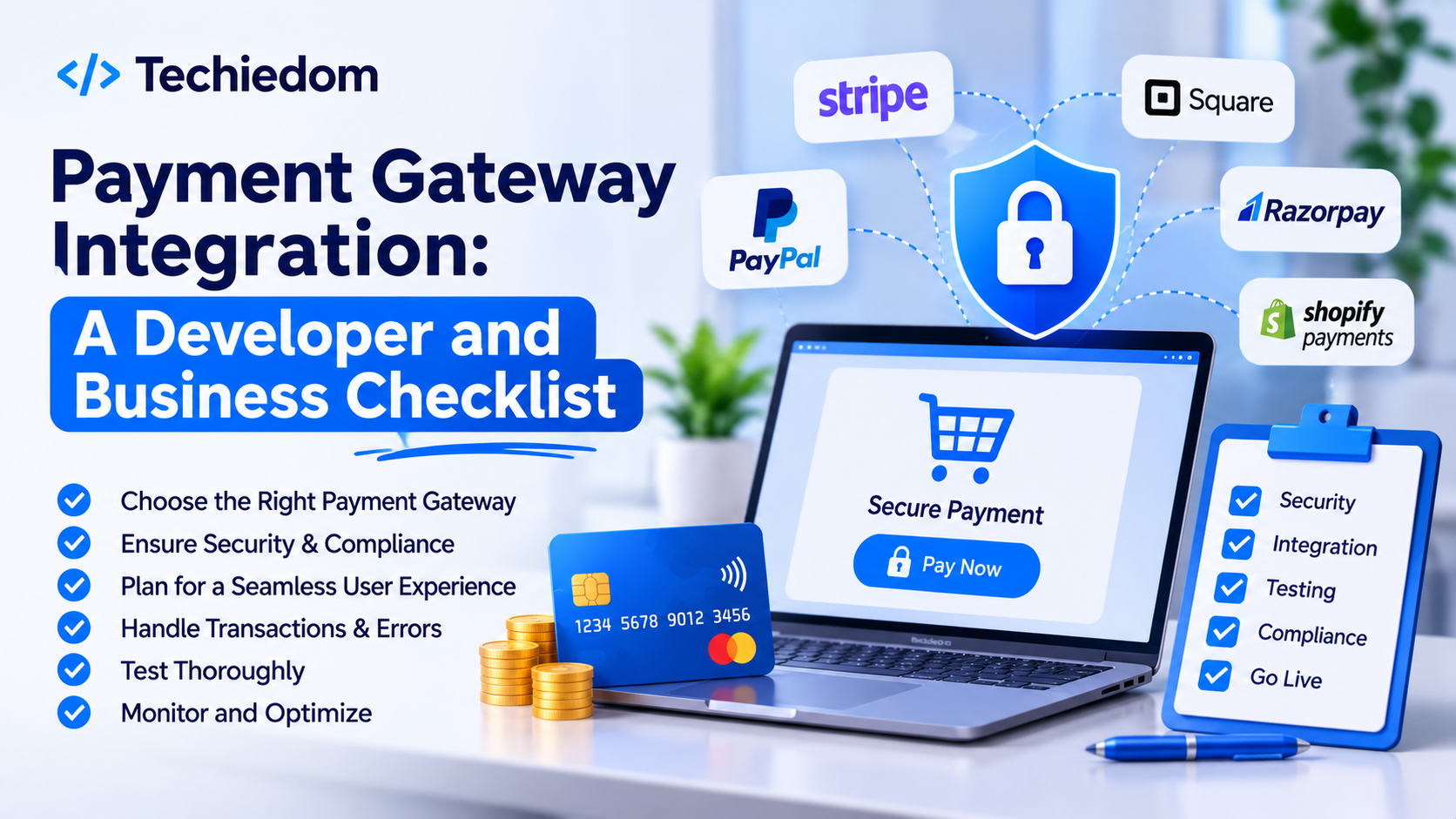
Before launching your payment system, review the following checklist.
| Requirement | Checklist Item | Priority |
|---|---|---|
| Business Planning | Define payment requirements | High |
| Provider Selection | Compare gateways and fees | High |
| API Integration | Review API documentation | High |
| Security | Enable HTTPS and secure API keys | High |
| Compliance | Review applicable PCI DSS requirements | High |
| Checkout | Create a simple payment experience | High |
| Payment Handling | Support different transaction statuses | High |
| Webhooks | Verify and process webhook events | High |
| Currency Support | Configure supported currencies | Medium |
| Refunds | Implement refund management | High |
| Testing | Test success and failure scenarios | High |
| Monitoring | Maintain transaction logs | High |
| Scalability | Prepare for increased transaction volume | Medium |
Even experienced development teams can overlook important details during payment implementation.
Here are some common mistakes businesses and developers should avoid.
1. Exposing Secret API Keys
Placing secret credentials in frontend code can create serious security risks. Keep sensitive keys on secure backend systems.
2. Ignoring Webhook Verification
Accepting unverified webhook requests can expose applications to fraudulent payment status updates.
3. Relying Only on Redirect Responses
A successful browser redirect does not independently confirm that a payment has been completed. Verify payment status through trusted backend communication.
4. Not Handling Duplicate Requests
Repeated payment requests can create duplicate transactions or orders. Implement idempotency wherever supported and appropriate.
5. Skipping Sandbox Testing
Launching without testing failed, pending, cancelled, and refunded transactions can create problems for customers and business operations.
6. Ignoring Refund Functionality
Refund management should be planned during development rather than added as an afterthought.
7. Overlooking International Payment Requirements
Different markets have different supported payment methods, currencies, and regulatory requirements. Review these before selecting a provider.
Payment gateway integration is an essential component of modern eCommerce websites, SaaS platforms, booking systems, and custom business applications.
A successful implementation requires careful planning across provider selection, API integration, payment security, webhook handling, transaction management, and testing.
Businesses should focus on selecting a payment gateway that matches their operational requirements, while developers should prioritize secure architecture, reliable transaction processing, and a smooth checkout experience.
Following a structured payment gateway integration checklist can help reduce technical issues, protect customer information, and create a more dependable online payment experience.
Planning to integrate secure online payments into your website or application? TechieDom can help businesses develop custom web applications, integrate third-party APIs, and build scalable digital solutions around their payment and operational requirements.