

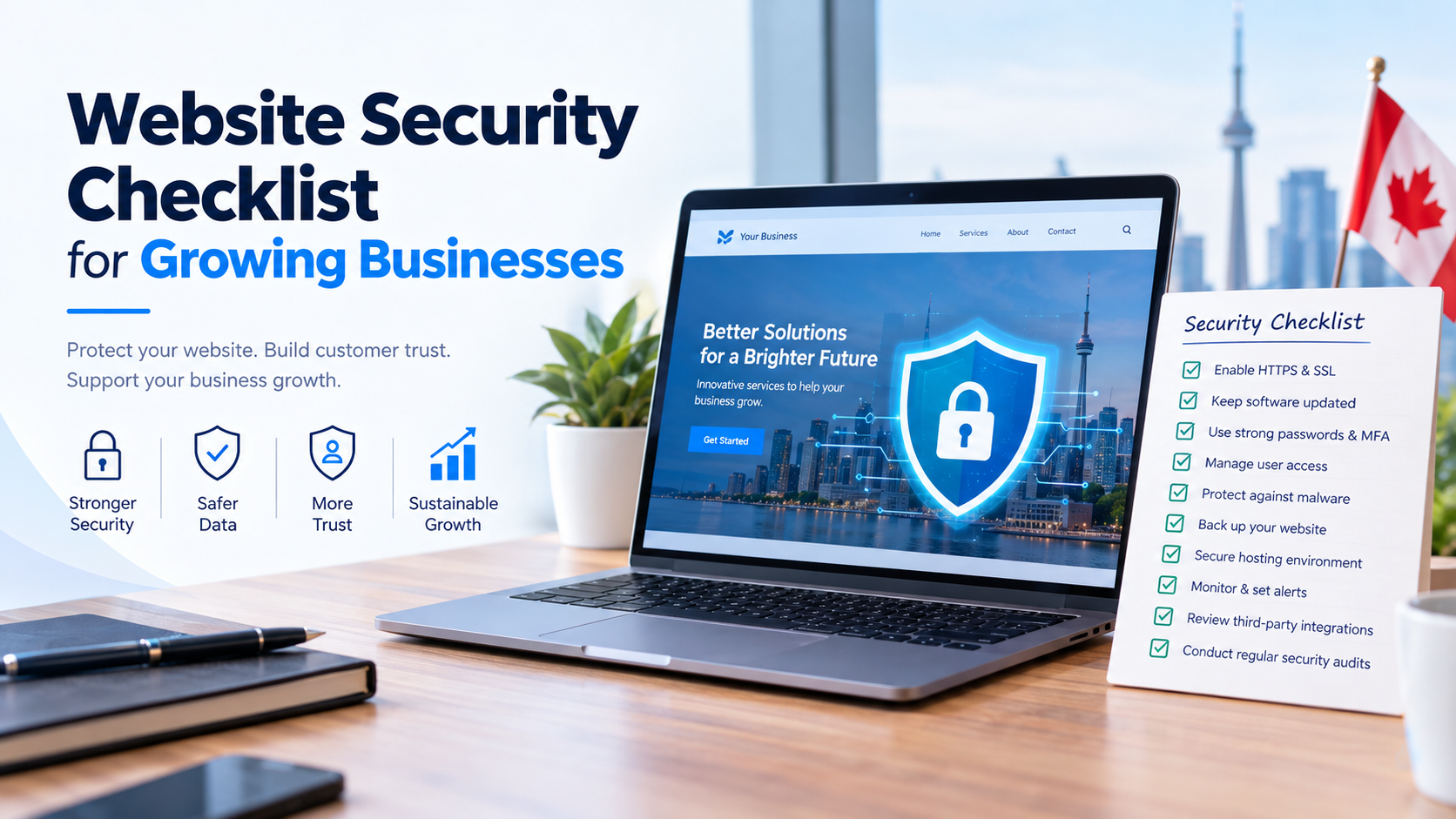
As a business grows, its website becomes more than just an online presence. It may handle customer information, process payments, collect leads, manage user accounts, and connect with essential business systems. While these capabilities create new opportunities, they also introduce security risks that businesses cannot afford to ignore.
A single security incident can result in data loss, website downtime, financial damage, and a loss of customer trust. For growing businesses, even a short disruption can affect sales, marketing campaigns, and day-to-day operations.
The good news is that many common website security risks can be reduced through practical preventive measures. From keeping software updated to implementing strong access controls, businesses can establish a security process that protects their websites as they scale.
In this guide, we will cover an actionable website security checklist for growing businesses, explain why each step matters, and share best practices for maintaining a safer website.
Growing businesses often add new website features, marketing tools, integrations, plugins, and user accounts as their operations expand. Each addition can introduce potential vulnerabilities if it is not configured and maintained properly.
Website security helps businesses:
Website security is not a one-time task. It requires regular monitoring, maintenance, testing, and improvements as your business and technology evolve.
Use the following checklist to review your current website security and identify areas that need attention.
HTTPS encrypts information transmitted between a visitor’s browser and your website, helping protect data from interception while it is in transit.
A valid SSL/TLS certificate is particularly important for websites that collect contact information, accept payments, or provide customer login functionality.
What to check:
HTTPS is a foundational security measure, but it does not protect a website against every type of attack. Additional security controls are still necessary.
Outdated software is a common source of website vulnerabilities. Attackers may exploit publicly known weaknesses in content management systems, plugins, themes, libraries, or server software.
Whether your website uses WordPress, Laravel, React, another framework, or a custom-built platform, regular maintenance is essential.
What to check:
For growing businesses, a documented update schedule helps prevent important maintenance tasks from being overlooked.
Weak passwords and compromised credentials can allow attackers to access website administration panels, hosting accounts, email systems, and other sensitive resources.
Strong authentication reduces the risk of unauthorized access.
What to check:
Where supported, phishing-resistant authentication methods such as passkeys or hardware security keys offer additional protection.
Not every employee, contractor, or marketing partner needs full administrative access to your website.
Excessive permissions increase the potential damage if an account is compromised or a user makes an unintended change.
What to check:
This principle is known as least privilege. It helps reduce unnecessary exposure while making it easier to manage a growing team.
Websites may face attacks such as SQL injection, cross-site scripting (XSS), credential theft, malicious file uploads, and automated attempts to exploit vulnerabilities.
The appropriate protections depend on your website’s architecture, application functionality, and risk profile.
What to check:
A WAF can help filter certain malicious requests, but it should not replace secure coding, software updates, or application-level testing.
Backups are essential for recovering from ransomware, accidental deletions, software failures, database corruption, and other incidents.
However, simply creating backups is not enough. Businesses must also ensure that backup files are protected and can be restored successfully.
What to check:
For example, an online store processing orders throughout the day may need more frequent database backups than a small brochure website.
Your backup strategy should reflect the amount of data your business can afford to lose and how quickly the website needs to be restored.
Website security depends on more than the application itself. Hosting infrastructure, server settings, databases, and administrative interfaces also need appropriate protection.
What to check:
For businesses using cloud infrastructure, review identity permissions, storage access policies, logging, and network configuration as part of the security process.
Growing businesses may collect names, email addresses, phone numbers, account details, payment information, and other customer data. Protecting this information is important for both security and customer confidence.
What to check:
Depending on your business, relevant obligations may include PIPEDA, applicable provincial privacy legislation, GDPR, or industry-specific requirements. Applicability depends on your operations, customers, data, and legal circumstances.
Security-related HTTP headers can help browsers apply additional protections against certain website attacks.
Their effectiveness depends on correct implementation and the website’s functionality.
What to check:
X-Content-Type-Options: nosniff.Referrer-Policy.Strict-Transport-Security after HTTPS has been implemented correctly.frame-ancestors in CSP to control whether other websites can embed your pages.Secure, HttpOnly, and SameSite attributes on session cookies.Test security headers before deployment, particularly on websites that depend on external scripts, embedded applications, analytics, or payment integrations.
Avoid copying a generic configuration without checking whether it is suitable for your website.
Security monitoring helps businesses detect unusual activity before it causes significant damage. Without monitoring, a compromised account or malicious file may remain unnoticed for an extended period.
What to check:
Monitoring tools should be configured to generate actionable alerts without overwhelming your team with unnecessary notifications.
For critical websites, consider centralized log management and security monitoring services that can help correlate activity across systems.
Growing businesses often integrate their websites with CRM platforms, analytics tools, payment gateways, chat widgets, marketing automation systems, and other external services.
These integrations can improve functionality but may introduce additional risks if they are poorly configured or no longer maintained.
What to check:
When adding a new integration, consider whether it is necessary, what information it can access, and how the business would respond if the provider experienced a security incident.
Website security can deteriorate over time as new features are added, software changes, and vulnerabilities are discovered.
Periodic reviews help identify weaknesses before they lead to a serious incident.
What to check:
A vulnerability scanner can identify certain issues, but it cannot guarantee that a website is secure. Manual review and application-specific testing may also be necessary.
Use this practical checklist to track essential security tasks.
{@body const tasks = [{group:”Access and software”,items:[“HTTPS enabled and certificate valid”,”CMS, frameworks, plugins, and dependencies updated”,”MFA enabled on critical accounts”,”User roles and permissions reviewed”]},{group:”Technical protection”,items:[“Input validation and secure coding reviewed”,”Hosting and server configuration hardened”,”Security headers and cookies configured”,”Third-party integrations reviewed”]},{group:”Data and recovery”,items:[“Customer data access restricted”,”Backups protected and restoration tested”,”Security logs and alerts enabled”,”Security audit and remediation plan scheduled”]}]}
{@body const [checked,setChecked] = DIL.useState([])}
<box border radius=”xl” padding={4} gap={3}>
<row align=”center” justify=”between”>
<title size=”lg”>Security review tracker</title>
<text color=”secondary” size=”sm”>{checked.length} of 12 complete</text>
</row>
<box background=”surface-tertiary” radius=”full” height=”6px” clip>
<box background=”surface-inverted” height=”6px” radius=”full” width={${checked.length/12*100}%}/>
</box>
{#each tasks as group}
<box gap={2} key={group.group}>
<text weight=”medium”>{group.group}</text>
{#each group.items as task}
<checkbox key={task} checked={checked.includes(task)} onChange={v=>setChecked(old=>v?[…old,task].filter(x=>x!==task))}>{task}</checkbox>
{/each}
</box>
{/each}
<row gap={2}>
<button block variant=”outline” onClick={()=>setChecked([])}>Reset checklist</button>
<button block onClick={()=>GenUI.copy(tasks.map(g=>g.group+”\n”+g.items.map(t=>(checked.includes(t)?”[x] “:”[ ] “)+t).join(“\n”)).join(“\n\n”))}>Copy checklist</button>
</row>
</box>
This checklist provides a starting point rather than a guarantee of security. The controls your business needs will depend on its website architecture, data sensitivity, integrations, and risk exposure.
Security reviews should follow a regular schedule, with additional checks whenever significant changes occur.
| Frequency | Recommended activities |
|---|---|
| Daily or automated | Monitor uptime, critical security alerts, suspicious activity, and backup status. |
| Weekly | Review important updates, security notifications, and unresolved issues. |
| Monthly | Review user access, software inventory, integrations, and backup restoration readiness as appropriate. |
| Quarterly | Conduct a broader security review, assess permissions, and verify remediation progress. |
| After major changes | Review new integrations, significant deployments, infrastructure changes, and exposed functionality. |
| After a security incident | Investigate the cause, contain the threat, recover safely, and implement corrective measures. |
These are general guidelines. Critical systems may require continuous monitoring and more frequent testing, while lower-risk websites may need a simpler approach.
Even businesses that invest in security tools can leave gaps in their protection. Watch out for these common mistakes:
A consistent maintenance process is often more effective than relying on a single security plugin or service.
Some security tasks can be managed internally, particularly for smaller websites with straightforward functionality. However, professional support may be appropriate when your business handles sensitive data, processes transactions, or depends heavily on its website.
Consider a qualified security professional if:
A professional assessment can help prioritize risks and recommend controls suited to your website rather than relying on generic security advice.
As your business expands, website security should be considered alongside website development, performance, usability, and ongoing maintenance.
TechieDom provides digital and technology services that businesses can explore when planning or improving their online platforms. Depending on your requirements, the team may be able to discuss relevant development and technical support options for your website.
Before selecting a provider for security-related work, confirm its specific security capabilities, experience, deliverables, and support arrangements. For specialized security assessments or penetration testing, verify that the proposed team has the appropriate expertise.
Want to improve your business website? Visit TechieDom to explore its services and discuss your website requirements.
Website security is an ongoing responsibility for every growing business. As your website gains customers, functionality, integrations, and data, maintaining appropriate security controls becomes increasingly important.
Start with the essentials: enable HTTPS, update software, secure administrative accounts, restrict access, protect customer data, and maintain tested backups. Then strengthen your approach with monitoring, secure development practices, vulnerability assessments, and a documented incident response plan.
You do not need to implement every advanced security tool at once. Begin by identifying your most significant risks, prioritize the controls that address them, and review your progress regularly.
A proactive website security checklist can help your business reduce avoidable risks, protect customer trust, and build a stronger foundation for sustainable digital growth.
A website security checklist is a list of preventive measures and review tasks used to identify weaknesses, protect information, and maintain the security of a website and its supporting systems.
Start with HTTPS, timely software updates, multi-factor authentication, restricted user permissions, secure hosting, protected backups, and regular security monitoring.
Begin by reviewing HTTPS configuration, software versions, account permissions, backup procedures, security headers, and available security alerts. Use reputable scanning tools and qualified security professionals where appropriate. No single scan can prove that a website is completely secure.
The frequency depends on risk, complexity, and applicable requirements. Many businesses benefit from a scheduled review at least quarterly, with continuous monitoring where appropriate and additional testing after significant changes.
Security plugins can provide useful features such as firewall rules, malware detection, and login protection. However, they cannot replace secure coding, software maintenance, strong authentication, protected backups, and appropriate server configuration.
Backups help restore website files and data following accidental deletion, technical failures, or certain cyberattacks. Backups should be protected from unauthorized access and tested regularly to verify that recovery works.
No. HTTPS encrypts data transmitted between browsers and servers, but it does not prevent every application vulnerability, compromised account, malware infection, or server misconfiguration.
Contact your hosting provider or qualified incident response professional, contain the compromise, preserve relevant logs and evidence, secure affected accounts, and restore from verified clean backups when appropriate. Identify and fix the underlying vulnerability before returning the website to normal operation. If personal information may have been exposed, assess applicable notification and reporting obligations.